To fix this issue, please reactivate the account
Attention Fellow iPhone Owner

Hi, I'm Damien
And I'm here to help you better secure your iPhone.
Since 2019, I've helped hundreds of individuals, entrepreneurs and employees become more aware of the security risks on their smartphones, how they can be hacked and what to do to protect oneself.
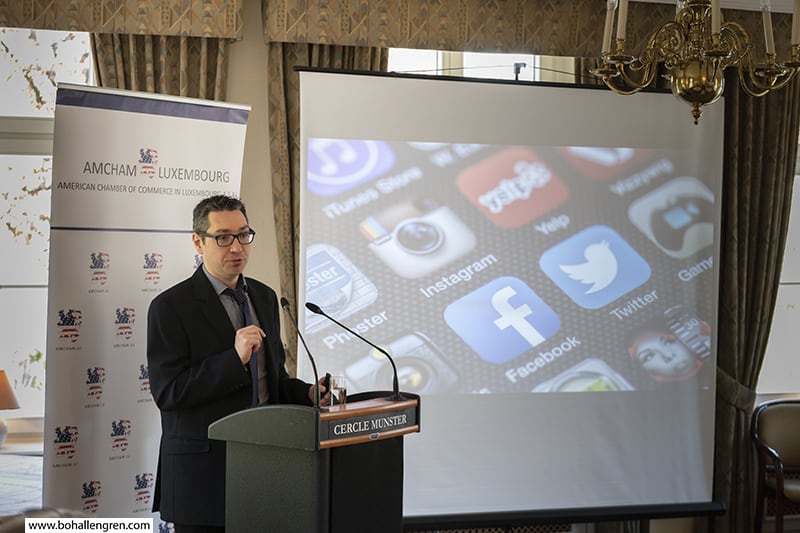
Yes, I've been a guest speaker for AMCHAM (the American Chamber of Commerce in Luxembourg) the House of Entrepreneurship and I've facilitated a few dozen cybersecurity workshops, both in-person and online.
I continue doing so for the University of Luxembourg and IFEN (the training institute for teachers in Luxembourg).
Now, I want to help people beyond Luxembourg secure their iPhone too!
Ever heard of the Pegasus spyware?
Well, in 2016, security researchers uncovered the first exploitation, by Pegasus, of an unknown vulnerability in the iPhone at the time .
It allowed compromising a targeted iPhone just by visiting a specially crafted webpage, so it still required the user to actualy click on a link.
Since then, Pegasus has been constantly improved until it was able to hack an iPhone without any user interaction whatsoever.
Just receiving a specially crafted message was enough to compromise the mobile device.
In 2021, more than 50,000 journalists, dissidents and even heads of state (including French President Emmanuel Macron) are believed to have been targeted.
Once Pegasus is installed on an iPhone, it allows exfiltration of any data, spying on all communications and even remotely activating the webcam and microphone.
It just shows that, unfortunately, the iPhone is not the super safe platform that Apple would like everyone to believe.
As long as security vulnerabilities will be found by adversarial entities before Apple does, malware like Pegasus will be able to compromise iPhones.
Well, unfortunately, every iPhone owner is at risk.
Here's a short snippet of one of my iPhone Security webinars, talking about the two types of attacks.
The thing is, there are three main iPhone attack vectors:
1. Physical access: The ability to hack into an iPhone by holding it, even without knowing the passcode.
2. Close proximity: Attackers can leverage vulnerabilities in all the wireless protocols and chips embedded into an iPhone, even as far as 400m or 1,000 feet.
3. Software and cloud: Bugs in the operating system, malicious apps and even getting our iCloud account hacked can be detrimental to our iPhone's security.
If you'd like more in-depth explanations about these attack vectors, you'll find here below the recordings of the latest iPhone Security webinar that I hosted.
Note: To be able to adjust playback speed on iPhone, just tilt it in landscape mode.
I asked myself this question:
"How can I distill what I learned about iPhone Security for maximum impact in the shortest amount of time?"
And so I came up with a simple 3-step system centered around the TOP 5 iPhone Security Mistakes that most iPhone owners make.
And today, I'm excited to announce that this system has been packaged into an online course.
Introducing… “The TOP 5 iPhone Security Mistakes Online Course”
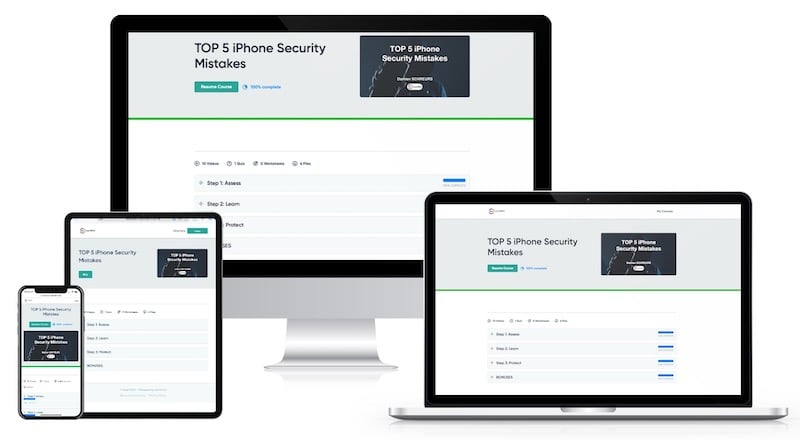
Here's Exactly What You'll Discover Inside The TOP 5 iPhone Security Mistakes Course...
A short (1-minute) assessment so that you can quickly determine how good (or bad) your iPhone is currently secured and which of the 5 iPhone Security Mistakes is the one you should fix in priority
Videos explaining each of the top 5 iPhone Security Mistakes individually so that you can be aware of them and why making them can be dangerous
Step-by-step tutorials so that you can easily implement corrective actions on your iPhone
A fillable PDF document so that you can quickly and easily take notes while watching the videos
Five audio files (one for each mistake) so that you can listen to the content while driving or doing some chores
Apple Security alerts so that you can stay informed about the latest security updates released by Apple and take the appropriate steps to keep your iPhone secured
Featured Keynote Speaker


Here's what a few of my students have to say
I had no idea about the importance of properly managing and using my iPhone and other devices these days, especially when it comes to security. I always had a feeling that I am gonna need to learn more about the topic eventually, but looking up all the necessary information just seemed overwhelming so I kept procrastinating this step. Up until this webinar, which is a super valuable and comprehensive guide to anyone that has Apple devices. I highly recommend this course!"

This course was very informative. It opened my eyes to the various risks of hacking and provided key mitigation measures. I thought I was quite security-savvy but it identified several gaps in my knowledge. If you only take away one or two tips from this course, it will be worth it.

Don’t get stuck in your old habits. Learn the latest tricks that hackers are using. I was astonished at how many there are. If you read a newspaper to keep up with what’s going on in the world, do this course to keep up with what’s going on in the cyber world.
Step 1: Assess
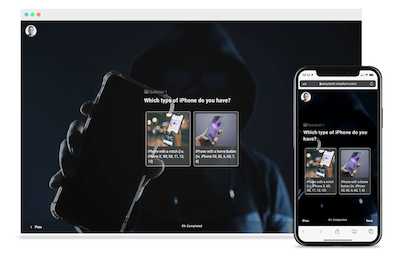
€50 value
Here's what you'll get:
A score between 0 and 100 indicating how how good (or bad) your iPhone is currently secured and which of the 5 mistakes is the one you should fix in priority
The possibility to take this assessment as many times as you'd like so that you can monitor the progress you'll be making
The summary of your responses sent to you by email so that you keep a copy of what you answered
Step 2: Learn
€300 value
Here's what you'll get:
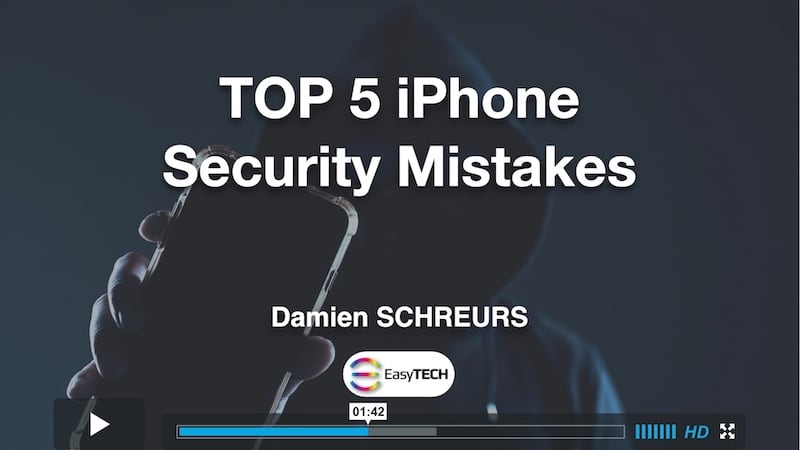
Five videos (one for each mistake) so that you can be aware of them and why making them can be dangerous
All the links mentioned in the videos so that you can quickly access relevant information and install appropriate apps.
Configurable video-player so that you can speed-up playback if you're in a hurry and adjust the image quality to reduce cellular data usage
Responsive design so that you can easily access it from any device, iPhone, iPad, Mac or PC.
Final quiz so that you can test your knowledge and understanding of the material
Step 3: Protect
€100 value
Here's what you'll get:
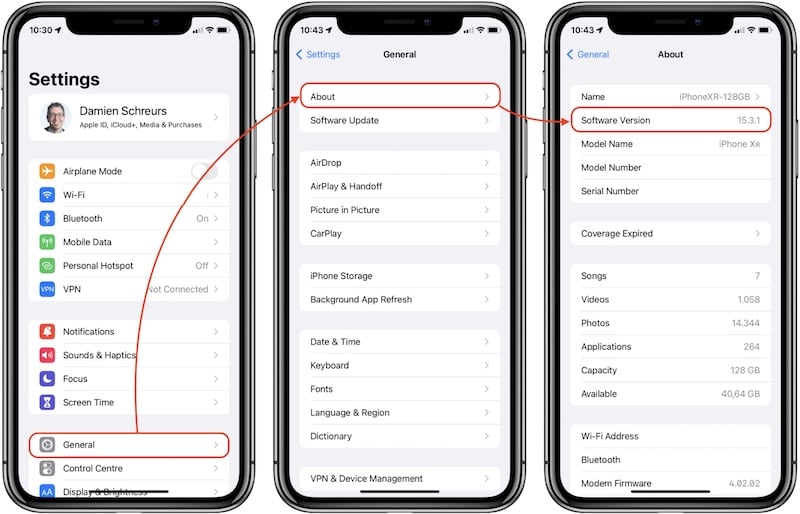
Five step-by-step tutorials so that you can implement corrective actions on your iPhone
Actual iPhone screenshots so that you can easily follow along
BONUSES
€50 value
Here's what you'll get:
A fillable PDF document so that you can quickly and easily take notes while watching the videos
€50 value
Here's what you'll get:
Five audio files (one for each mistake) so that you can listen to the content while driving or doing some chores
MP3 files so that you can import them in the Music and/or the Books app, and synchronise them across all your Apple devices
€50 value
Here's what you'll get:
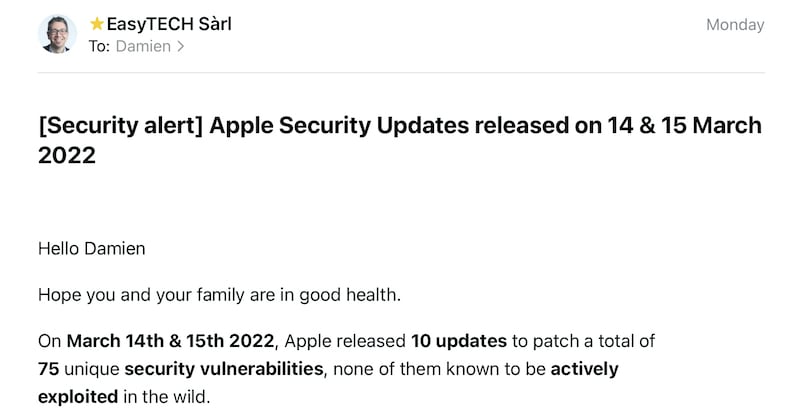
Apple Security alerts so that you can stay informed about the latest security updates released by Apple and take the appropriate steps to keep your iPhone secured
Explanations about the criticality of the patched security flaws so that you know if you should update your iPhone quickly or not
Potential bugs introduced by the security updates so that you can decide the best course of action for your specific setup
If I were to teach you the same material one-on-one remotely (let's say via Zoom for instance), then package the recording in both video and audio format so that you could continue benefiting from it even after our session, plus redacting and publishing a single security alert, it would take me about 5 hours of my time.
My current hourly rate being 120€, it would indeed be sold to you for 600€.
By leveraging the Samcart Courses platform and automation, I'm able to offer the same material at a fraction of that, and you'll get multiple Apple security alerts.
Taking into account the time it took to prepare this online course and the recurring video hosting costs, I'm happy to offer this whole package for just 94€.
Yes, you read it right!
Since I'm launching this online course for the very first time, I want to thank the first 100 students.
And what better way to say thank you than offering 50% off the normal price!
If you see this page, it means that less than 100 people have already signed up.
As soon as all the launch-special seats are gone, it will automatically redirect any visitor to the page with the normal price.
If you're not 100% satisfied with the content of this online course within 30 days of your purchase, just shoot me an email at info@easytech.lu and I'll refund you.
No questions asked!
And the best part is that you can keep access to the course and all the resources, including the Basic iPhone Security Quiz.
People who take the security of their iPhone very seriously
Parents who are concerned about the security of their children's iPhone
Professionals and small business owners who rely on their iPhone every day
Owners of Samsung, Xiaomi, Huawei, and other Android phones who don't plan on switching to iPhone soon
Employees who are using corporate iPhones already protected with a Mobile Device Management (MDM) solution
People whose iPhone is currently jailbroken
FAQ